Overview
The World Clocks widget for Bizagi is available for download from Bizagi Widget Xchange.
This widget allows you to display multiple clocks directly within your processes, showing the current time for locations around the world.
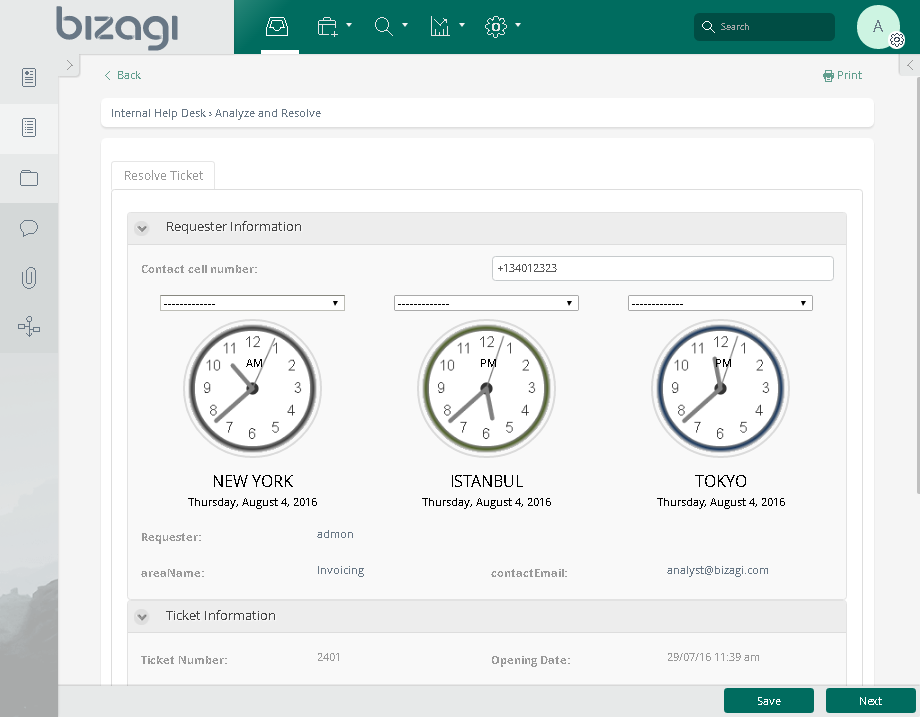
|
This widget requires internet connection (online access to https://24timezones.com/). |

Before You Start
To test and use this widget, you will need:
1.Bizagi Studio previously installed.
2.This widget installed, either by following the steps in the Bizagi Widget Xchange article or the Widget Management article.
Content Security Policy Considerations
The Content Security Policy (CSP) is an HTTP header that adds an additional layer of security to web pages. By configuring this header, users can allow or deny different resources that can be loaded in the Work Portal, such as JavaScript calls, or CSS components. To use this component, it is necessary to configure the Content Security Policy in Bizagi Studio, as described in the Content Security Policy article.
The following is the Content Security Policy (CSP) for the World Clocks widget:
default-src 'self' data: blob:;
script-src 'self' 'unsafe-eval' 'unsafe-inline' data: 24timezones.com;
style-src 'self' 'unsafe-inline';
img-src 'self' data:;
font-src 'self' 'unsafe-inline' data:;
|
The Content Security Policy configuration is only necessary for Bizagi 11.2.5 version and higher. |
Data Model Considerations
To use this widget, no specific data model configuration is required, and no attributes need to be defined.
Properties Configuration
Once the widget is installed in your project, you can configure it by adding it to any Form and setting its properties in the Forms Designer, just as you would with any other Bizagi control. The widget is available in the Utilities section of the Controls tab.
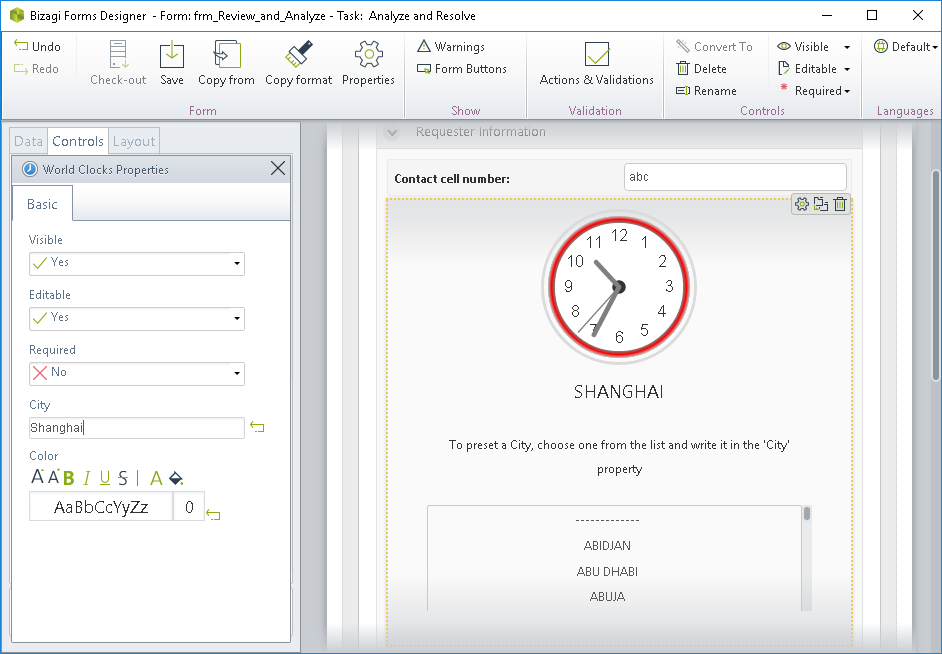
Consider the following properties:
PROPERTY |
POSSIBLE VALUES |
DEFAULT VALUE / SUGGESTED |
|---|---|---|
City |
A String defining the name of the preset city shown by the clock. When set as editable, the clock will allow changing the city in runtime. |
(none) |
Color |
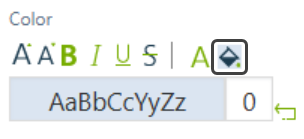
A palette to define the color used by the clock's border. You can change the color by clicking the bucket icon and selecting a color from the color palette.
|
Red |
|
All Bizagi controls and widgets enable a Visible property which allows you to set if that control should be displayed in a given Form or not (e.g, by using a Business rule). This widget also enables the editable and required properties. |
Last Updated 1/16/2026 6:26:55 PM