Overview
The Remove Unused Objects feature lets you identify catalog objects that are no longer referenced and remove them permanently. The list of unused objects is loaded through Management Console, but the deletion must be executed from Bizagi Studio, where you can review and select which ones to remove.
|
If Management Console is not available, an error message appears requesting to check connectivity. |

How to remove unused objects
1.In Bizagi Studio, go to the Tools tab.
2.In the Maintenance section of the ribbon, select Remove Unused Objects. This feature is only available for users with Developer or Full Access Developer permissions.

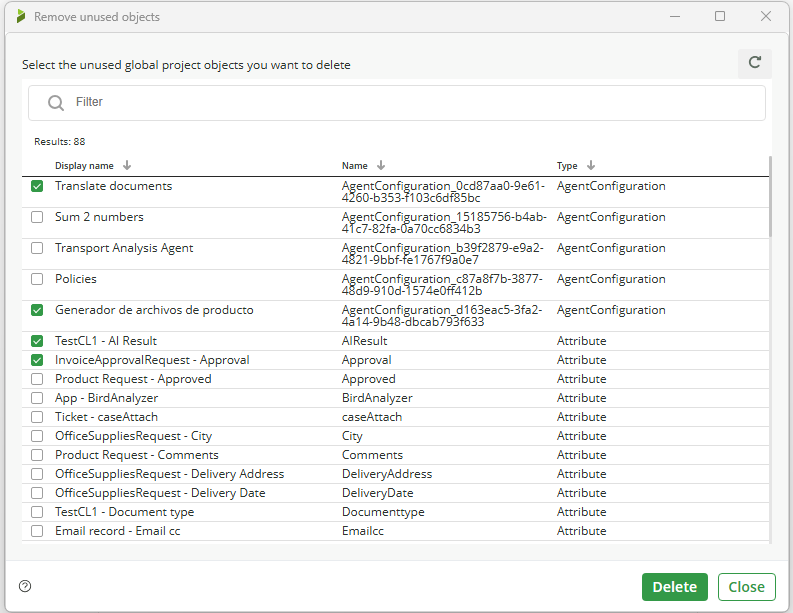
3.In the modal window select the checkboxes for the objects you want to remove (listed by type: Entity, Forms, Rules, Expressions, etc.) and click Delete.
|
The feature applies only to catalog objects that have no active references in processes, System objects are excluded from the analysis and cannot appear in the unused‑objects list. |
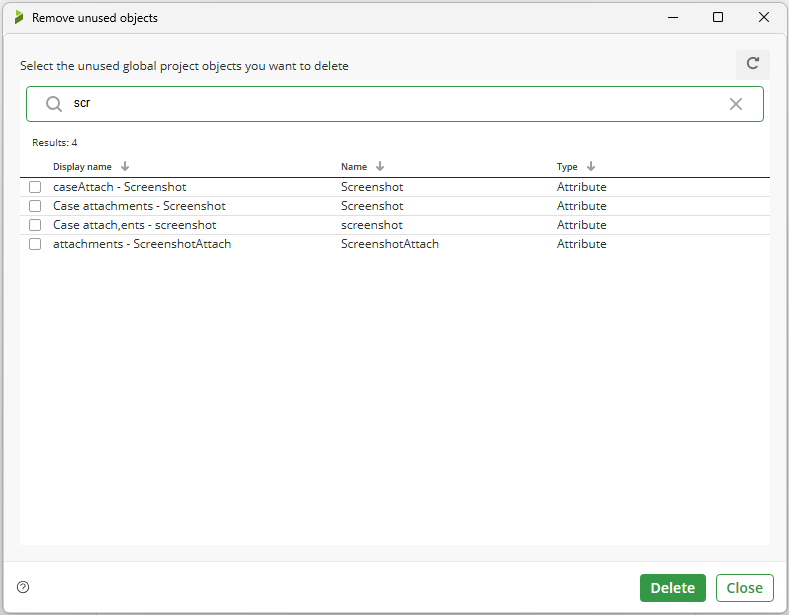
The modal window includes a filter that supports partial‑match search; type any part of an object’s name to narrow the results, then select the checkboxes for the objects you want to remove.
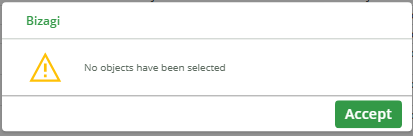
If no objects are selected, the system displays a warning message indicating that at least one object must be selected to continue.
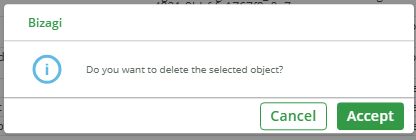
4.In the confirmation window, click OK to complete the removal.
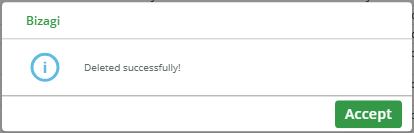
A confirmation message indicates that the operation has been completed.
|
The removal is a logical deletion process which is visual only; objects remain in the database marked as deleted. Deleted objects cannot be restored. |
Last Updated 7/16/2026 3:40:59 PM